
For in-house legal teams of growing organizations, increasing workloads and high pressure to deliver value can make scalability a challenge. How do you manage it all while avoiding errors and protecting your team from burnout?
The answer is: Matter Management Software.
This tool is designed to support legal professionals by centralizing matters, automating tasks, and providing real-time insights. The result? Greater efficiency, a more motivated legal team, and clearer ways to demonstrate value to leadership.
What Is Matter Management?
Most teams work from a simple matter management definition. Matter management is how a legal team receives, organizes, tracks, and reports on its legal work. Each piece of work, such as a contract review, a privacy question, or a dispute, becomes a matter with its own owner, deadlines, documents, and history.
For in-house legal matter management, that covers far more than litigation. It includes every request the business sends to legal, from routine NDAs to board advice. A matter management system keeps all of that work in one place, so anyone on the team can track a matter from the first request to the final outcome.
The Matter Management Process
The matter management process picks up where intake ends. A request comes in through the AI Legal Front Door from email, Slack, Teams, or a form, and legal’s rules decide where it goes. From there, it flows into matter management, the house behind the front door. This is the dashboard where legal has full control and visibility over new, ongoing, and completed work.


 Step before · Front doorRequest captured and routed by legal's rules
 BoardsReportingBDBen Doherty
Inside the matter management system, each matter moves through the same core stages:
- Intake: The step before matter management. The front door captures the request and its details, and legal’s rules route it.
- Assign: The request becomes a matter with a type, priority, owner, and due date.
- Work: Tasks, approvals, documents, and conversations stay together on the matter record.
- Track: Legal sees the status of every new, ongoing, and completed matter, and requesters get updates without chasing.
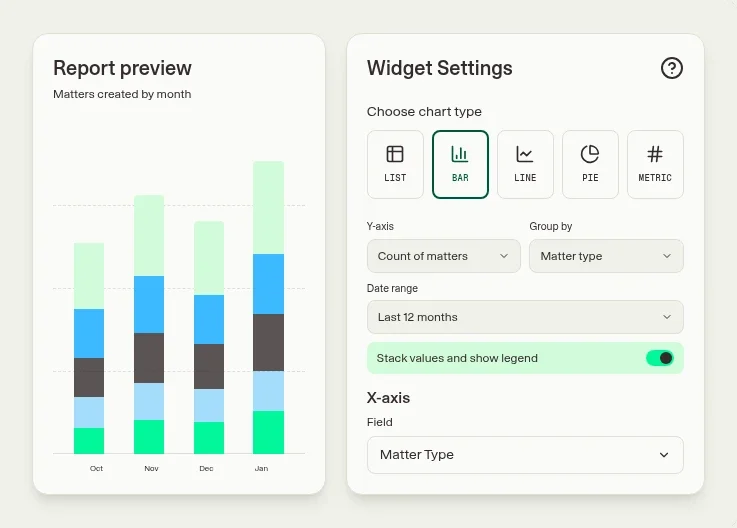
- Report: Matter data feeds dashboards on demand, turnaround, and workload, so leaders can plan capacity and show impact.
What Are The Benefits of Matter Management Software?
The benefits of matter management software are significant for in-house legal teams, addressing core challenges and enabling more efficient and strategic operations.
With matter management software, legal teams can:
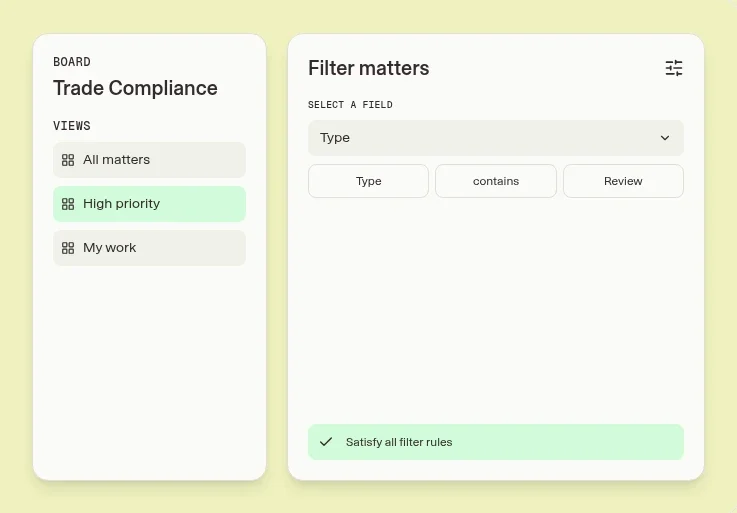
- Track matters in real time, ensuring clear visibility into matter progress and deadlines.
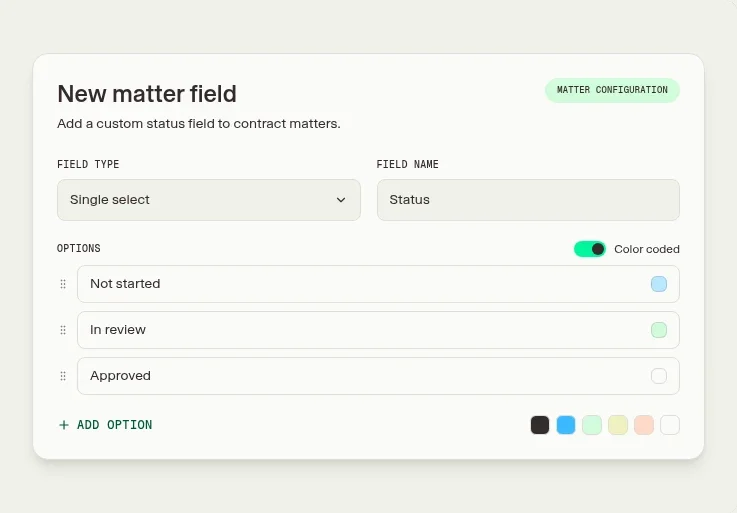
- Automate workflows, such as task assignments and approvals, to save time and reduce errors.
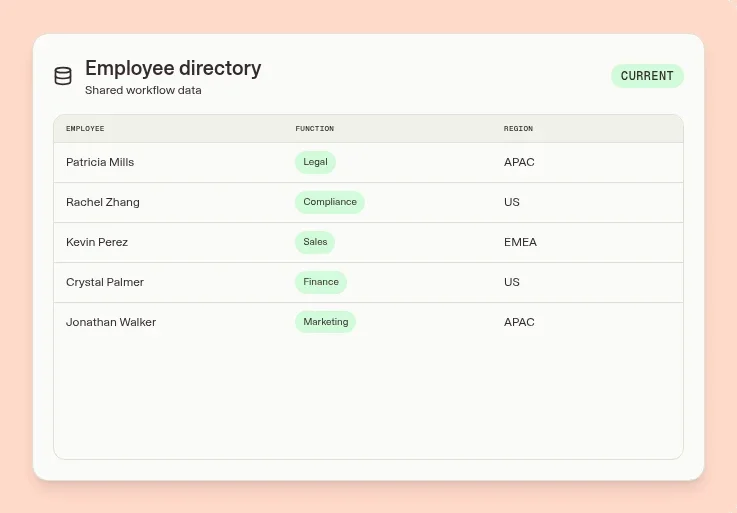
- Create a single source of truth by drawing documents, requests, and communications for matters from different sources and storing them in one place.
- Automatically generate reports to demonstrate team performance and highlight bottlenecks.
1. Enhanced Efficiency
Matter management software automates repetitive tasks such as request intake, document creation, and contract approvals. By reducing the administrative burden, legal teams can focus their time more on high-value strategic work.
2. Improved Visibility and Reporting
With a centralized system for matter management, as well as tools like dashboards and analytics, GCs and CLOs gain real-time insights into workloads, deadlines, and performance. This visibility enables better decision-making and allows teams to demonstrate their contributions to organizational goals.
3. Streamlined Collaboration
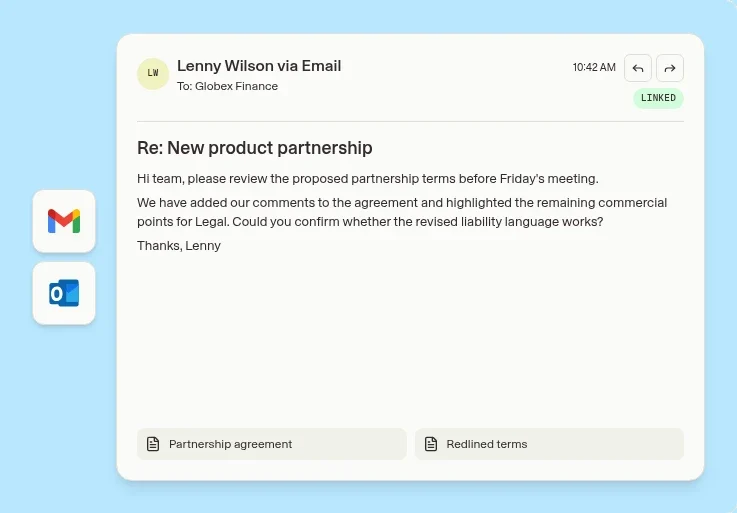
Clients from other parts of the business can submit requests for legal matters through any channel — such as Microsoft Teams, Slack, or email — and they’ll be automatically routed into the system for legal professionals to view, track, and progress. The assigned lawyers can then collaborate on matters with ease, directly from the platform.
4. Scalability
As workloads grow, legal department software adapts to meet demand. Customizable workflows, pre-populated forms, and automation tools allow teams to handle increasing legal matters without hiring more human resources.
5. AI-Powered Matter Management
AI-powered matter management uses AI where it helps most. It can capture a request from a Slack or Teams message, summarize the details, suggest a matter type, and draft a status update for the requester. Legal’s rules still decide routing and approvals, and lawyers stay in charge of the advice.
Key Matter Management Software Features
When you compare any matter management solution, these are the matter management software features that matter most:
Matter Management Software Use Cases
Implementing matter management software can significantly enhance the efficiency and impact of in-house legal teams. Key use cases include:
Example: Benefits of Matter Management Software for Woolworths
An example to illustrate the benefits of this in-house legal department software in action is Woolworths Group — one of Australia’s largest retailers. Managing legal operations across brands like Woolworths Supermarkets, BIG W, and Dan Murphy’s, the company faced challenges with high volumes of manual, repetitive work and inconsistent service delivery.
By adopting Checkbox’s matter management software, Woolworths achieved transformative results:
These results demonstrate how matter management software enables legal teams to work more efficiently, scale their operations, and deliver consistent, high-quality service across their organizations.
Matter Management Best Practices
The right software helps, but how you set it up matters just as much. These matter management best practices keep the system useful as your team grows:
Want to learn more about in-house legal software or matter management software?
Book a call with one of our technology consultants or check out Checkbox’s interactive demo to see how we can support your team.
Frequently Asked Questions
What is matter management in legal?
In legal, matter management is how an in-house team receives, organizes, and tracks each piece of legal work, from contracts and advice to disputes and compliance, so every matter has an owner, a status, and a full record.
How does matter management differ from case management?
Matter management focuses on the full lifecycle of all legal work in-house (i.e. contracts, compliance, advice), not just litigation. Case management, by contrast, is typically centered around court-related legal cases.
What are the key benefits of using matter management software?
It streamlines legal operations by centralizing requests, automating workflows, and tracking work in real time. This improves visibility, boosts team efficiency, and enables better reporting to the business.
Can matter management systems be integrated with other legal tools?
Yes, leading systems like Checkbox integrate with email, eBilling, contract lifecycle tools, Slack, and more. These integrations eliminate silos and keep legal connected to the business.
How does matter management improve client communication?
It gives clients visibility into the status of their requests, reduces back-and-forth emails, and ensures faster, more consistent updates. Legal teams can set clear expectations and build trust with stakeholders.
What are the main components of a matter management system?
Core components include legal intake, triage, task management, document storage, real-time dashboards, and performance reporting. Together, these enable teams to manage legal work from start to finish in one place.
Who uses matter management systems in a legal department?
In-house lawyers, legal ops professionals, and legal assistants all use matter management systems to coordinate work, track progress, and report on legal performance. Business users may also submit requests through intake forms.