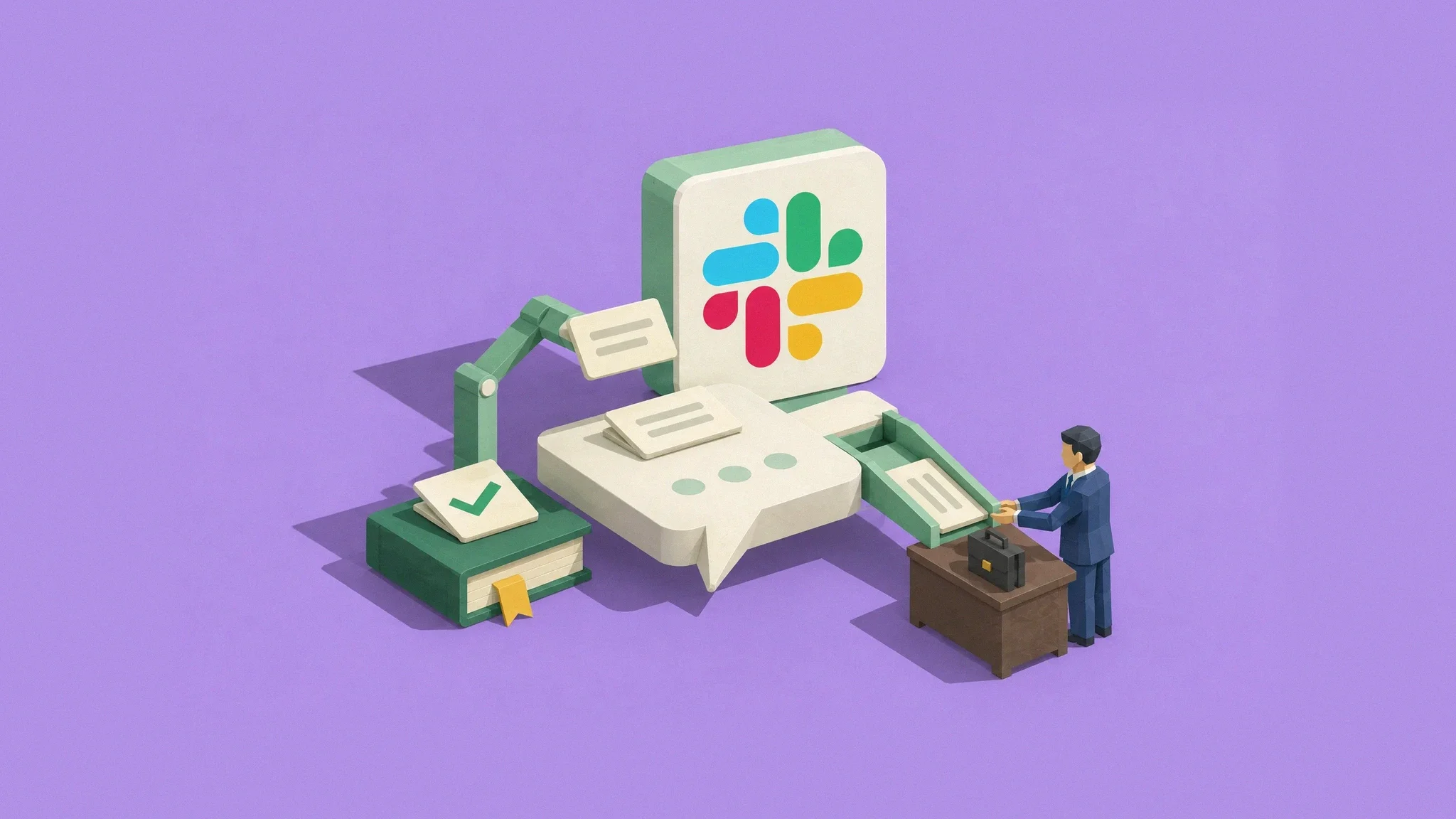
A legal AI agent can handle a good share of the legal requests employees send in Slack, as long as it works from legal’s own rules and knows when to step aside. In practice, that means answering the routine questions, structuring and routing the rest, and handing anything that needs judgment to a lawyer with the context already attached.
Think about how most of these requests arrive. Someone in sales posts in a channel asking whether they can sign a customer’s NDA, a manager sends a direct message about a contractor agreement, and a third person asks the same policy question that was answered last week. None of it is necessarily complex legal work, yet all of it competes for the same lawyer’s attention.
With a legal-specific AI agent in place, employees no longer need to leave Slack and fill in an intake form to get help. Instead, the agent picks up the request directly in the conversation where it was asked.
So what should AI actually do with a legal request in Slack, and what should it leave alone?
This guide covers what AI can and cannot do with Slack requests, how triage and self-service work, the guardrails that matter, and how to set up an AI legal agent your team can trust.
What AI Can and Cannot Do With Legal Requests in Slack
AI is good at the structured, repeatable front end of legal work in Slack such as capturing the request, working out what kind of request it is, answering approved questions, and sending everything else to the right place. It is not a substitute for legal judgment on ambiguous, sensitive, or high-risk matters.
Put simply, the dividing line is predictability. If a request follows clear rules that legal has already written down, AI can usually resolve it or move it forward. If it depends on context, negotiation, or risk appetite, AI’s job is to prepare it for a lawyer, not to decide it.
| What AI handles well | What AI should hand off |
|---|---|
| Answering policy questions from approved sources | Novel or ambiguous questions |
| Classifying requests by type (NDA, vendor contract, policy) | Internal investigations and sensitive employee matters |
| Collecting missing details up front | Multi-jurisdiction questions without clear objectives |
| Routing to the right person or workflow | Prioritizing competing demands using business context |
| Logging every request in a system of record | Calming a frustrated stakeholder |
How AI Triage Works: Classifying, Prioritizing and Routing
Legal AI triage from Slack is the process of reading an incoming message, identifying what kind of legal request it is, and sending it to the right person, workflow, or team before anyone in legal has to touch it.
In other words, it replaces the shared-channel shuffle where a lawyer reads every message just to decide who should read it. A typical flow looks like this:
- Capture the request where it was asked. The agent picks up the Slack message without sending the employee somewhere else.
- Classify it. It labels the request by type, such as an NDA, a vendor agreement, or a policy question.
- Fill the gaps. It asks for the details legal always needs, like the counterparty, the contract value, or the region, so the back-and-forth happens once.
- Prioritize and route. It applies legal’s routing rules so the request lands with the right owner or workflow, and it creates a tracked record along the way.
- Keep the requester informed. The employee gets a confirmation and a way to check status, which cuts down on the polite “just checking in” messages that tend to follow.
The important detail is whose rules drive steps 2 to 4. Good AI legal intake and triage uses categories, thresholds, and routing logic that legal configures, so the agent behaves the way your team would.
Self-Service Answers for Common Questions
Legal self-service in Slack means employees get an immediate, approved answer to a common legal question without opening a ticket or waiting for a lawyer to reply.
The questions that fit are the ones your team answers on repeat. For example, which NDA template to use, whether a gift falls within policy, or who can sign a given agreement. When the legal AI agent is grounded in legal’s own playbooks, templates, and policies, it can answer these consistently and show which source the answer came from. That matters, because a cited answer is one an employee (and a lawyer reviewing it later) can check.
Self-service is also where the volume relief shows up. Every question resolved in the thread is one less interruption for the team, which is the whole point of legal self-service done without losing oversight. That said, self-service only works for questions legal has deliberately approved. Anything outside that boundary should turn into a request, not an improvised answer.
 Globex# ask-legal
Guardrails: Escalation, Confidence Thresholds and Human Review
Guardrails are the rules that decide when an AI agent answers, when it asks a follow-up question, and when it hands the request to a person. They are what make AI in Slack safe enough for legal work.
There are three worth getting right:
- Escalation paths → When a request is too complex or sensitive, the agent should route it to the right legal team member with the conversation and collected details attached, so nobody starts from scratch.
- Confidence thresholds → Some tools let you set how certain the agent must be before it answers directly. Ask how this works, what happens below the line, and whether legal can adjust it by request type.
- Human review → For higher-risk categories, a lawyer should approve the output before it goes back to the employee. Low-risk, pre-approved answers can flow straight through.
Data handling belongs on the same list. Slack’s own privacy principles state that Slack will not use customer data to train generative AI models unless the customer opts in.
Finally, keep an audit trail. Log every question, answer, and handoff so you can measure accuracy and spot gaps in your knowledge base. There is a broader point about why legal teams don’t trust AI, and visibility is a big part of the fix.
Setting Up an AI Legal Agent in Slack
Setting up an AI legal agent in Slack starts with your rules and content. How well the agent performs depends largely on the quality of the playbooks it draws from and the routing rules your legal team configures.
- Pick high-volume, low-risk requests first
- Load approved policies, templates, and playbooks the agent should answer from.
- Define categories and routing rules
- Set the handoff rules (lawyer vs. AI agent)
- Connect it to your system of record
- Review monthly
 Confirm New Matter
Checkbox’s AI agent captures and answers employee requests directly from Slack, Microsoft Teams, Gmail, and Outlook, using legal’s approved policies, playbooks, and templates. It identifies requests that need legal judgment and routes them to the right person, workflow, or team, creates and populates matters automatically, and logs every interaction for review. Legal configures it without code, so the rules stay yours.
Slack is rarely the only channel, though. Employees will still email, and some teams live in Teams, so look for in-house legal software for Slack and Teams intake that brings every channel into one queue.
Key Takeaways
AI can handle employee legal requests in Slack, and it does its best work on the predictable front end: answering approved questions, classifying requests, collecting missing details, and routing work to the right owner. The judgment calls still belong to lawyers, and a well-configured agent hands them over with context instead of guessing.
The difference between a helpful agent and a risky one comes down to guardrails and ownership. Look for legal intake and triage that runs on legal’s own rules, self-service tools limited to approved answers, clear escalation paths, and an audit trail of every interaction.
Start small with high-volume, low-risk requests, connect the agent to matter management so nothing gets lost once it leaves the thread, and refine as you learn what employees ask most.
Want to learn more? Schedule a call with one of our technology consultants today to see how an AI legal agent can answer, triage, and route your team’s Slack requests on legal’s own rules.
AI Legal Requests in Slack FAQs
Can AI answer legal questions from employees in Slack?
Yes, for questions legal has already answered in approved policies, templates, or playbooks. The agent should cite its source and route anything outside that approved content to a lawyer rather than improvising an answer.
Is it safe to let an AI agent handle legal requests in Slack?
It can be, provided the agent works from approved content, follows legal’s escalation rules, and logs every interaction. Check the vendor’s data handling terms and your Slack admin’s app approval process before rollout.
How does AI decide when to escalate a request to a lawyer?
It follows the rules legal sets, such as always escalating certain request types, sensitive topics, or anything outside approved content. Some tools also use confidence thresholds, so ask vendors how theirs work and whether you can adjust them.
Does an AI legal agent replace a legal intake form?
Not entirely. The agent can collect the same details through conversation, but structured fields still matter for routing and reporting, so most teams use conversational intake and forms together.
What types of legal requests are best suited to AI in Slack?
High-volume, low-risk requests with clear rules, like NDAs, policy questions, and signature authority checks. Complex negotiations, investigations, and sensitive employee matters should go straight to a lawyer.
How do you measure whether an AI agent in Slack is working?
Track how many requests the agent resolves without a lawyer, how often answers are escalated or corrected, and how quickly routed requests reach their owner. Checkbox logs each interaction, which makes these numbers easier to review.